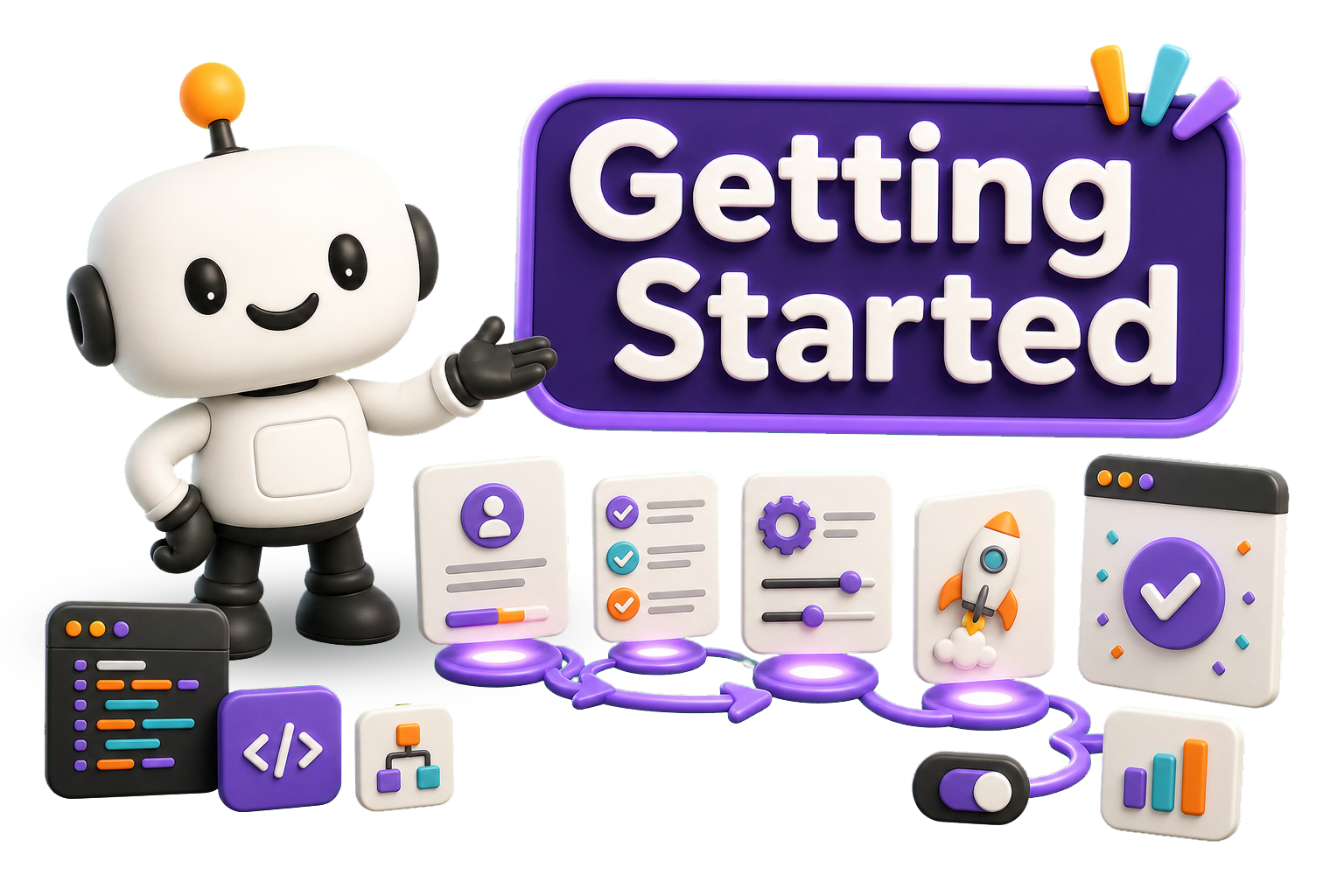
Set up Atomic Resources and Atomic Bomb together with one installer, then start building React and React Native interfaces with reusable Atomic Design components.

Setting up
Create Atomic Install is the recommended setup path for projects using Atomic Resources and Atomic Bomb together. Run it from an application root containing a
The default command installs resources in
Existing Atomic Bomb projects keep their platform configuration and receive the latest bundled skill updates. After setup, use the CLI to generate Atoms, Molecules, Organisms, Templates, Pages, Hooks, modules, domains, and supporting files with a consistent project structure.

prepare your system
Before running the installer, ensure your development environment includes Node.js v18 or higher and that your application has a package.json.
Install Node.js v18 or higher from Download Node.js.
create your app
Create your application using your preferred framework
Replace the examples with the command recommended by your preferred framework, then change into the new application directory.
run the atomic installer
Run Create Atomic Install from the application root. The installer adds
The default platform is
The resource step always runs
For local end-to-end testing, set
choose storybook support
The installer asks whether Storybook should be installed and runs
Use
For web projects using the default destination, the preview import is
run it again or customize setup
The installer is repeatable. For web projects, it enables Atomic Bomb entries in
Use
Requirements
Only Node.js and an application with package.json are required before setup. Create Atomic Install adds Atomic Bomb and Atomic Resources for you. Web projects also receive Sass, JSON-to-SCSS, and Prettier. Expo and React Native projects receive only the native resource scripts and Prettier. Storybook remains optional.
- Node.js (v18 or higher)
- Create Atomic Install
- Atomic Bomb
- Atomic Resources
- Atomic Bomb Templates
- Storybook (optional)
Manual setup without Create Atomic Install
Prefer to install each part yourself? Follow this setup path to add Atomic Resources, Storybook, and Atomic Bomb separately. This gives you direct control over every command and configuration choice.
Run each command from the application root. Replace
prepare your system
Ensure your development environment includes Node.js v18 or higher and that your application has a package.json.
Install Node.js v18 or higher from Download Node.js.
create your app
Create your application using the framework and package manager you prefer.
Change into the generated application directory before continuing.
install atomic resources
Install the design-token, font, and resource system into your source directory. Web projects receive SCSS resources. Expo and React Native projects receive native style modules and a font-loading hook.
Keep the explicit
install storybook
Optionally install Storybook to create and test components in isolation.
For web projects, add
configure atomic bomb
Select the Atomic Bomb template that matches your framework. Vite with React and TypeScript uses
Available templates are maintained in Atomic Bomb Templates.
For web projects, uncomment the Atomic Bomb component imports in
Manual setup packages
Install and configure these tools individually when you do not use Create Atomic Install: